.png)
This action can be done on the Fleet Grid/Maintenance Grid, or on an Asset View page.
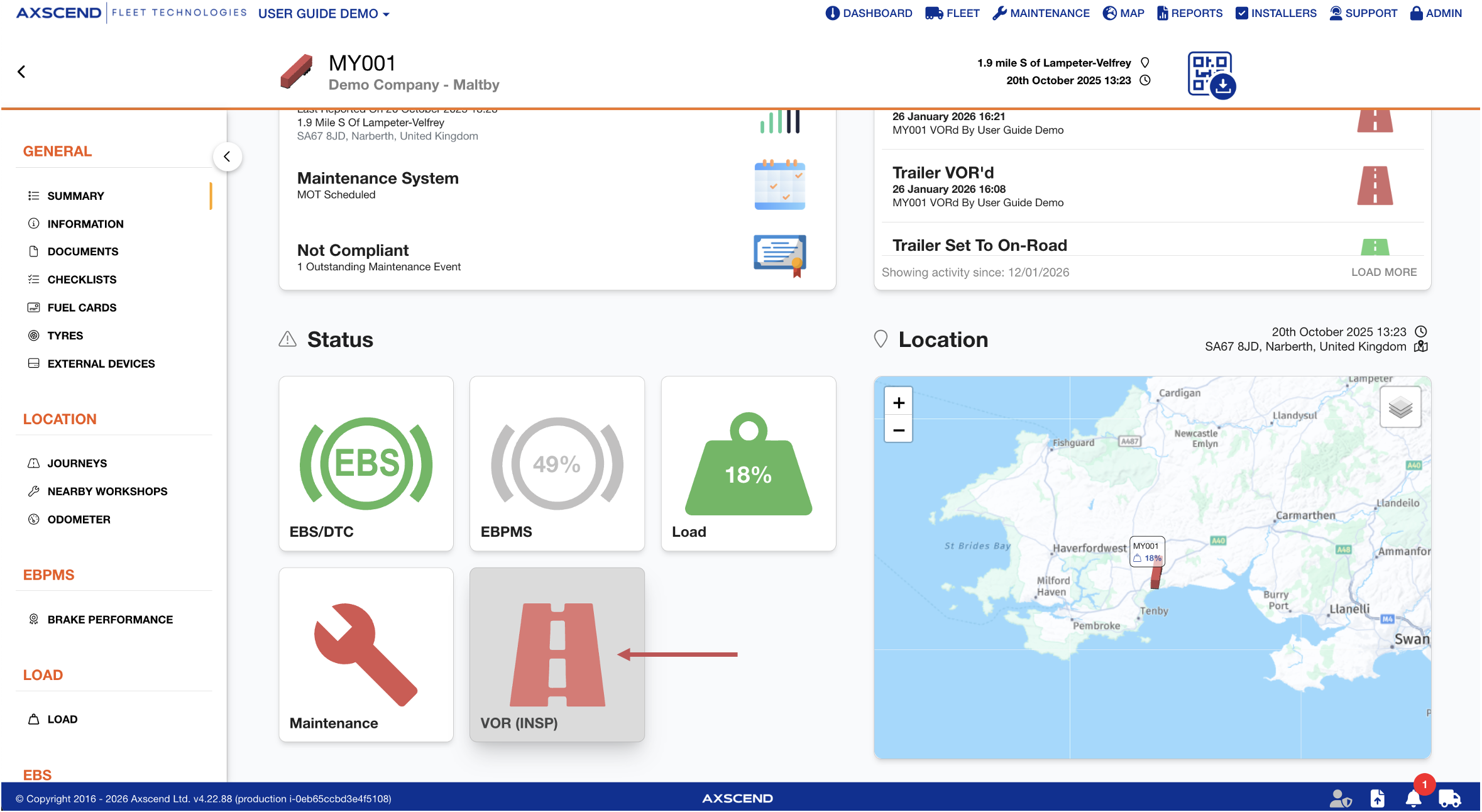
You’re on the Asset View
You have permission to edit VOR statuses.
You have the Status column enabled in your view.
-
Open the Asset View of the relevant asset
-
Open the Summary section
-
Click on the asset’s status icon