.png)
Upon completing a driver check in the Axscend Driver App, a report is sent to the Axscend Portal for review and approval.
🧭 Getting to Driver Checks
You have access to the Maintenance Menu.
-
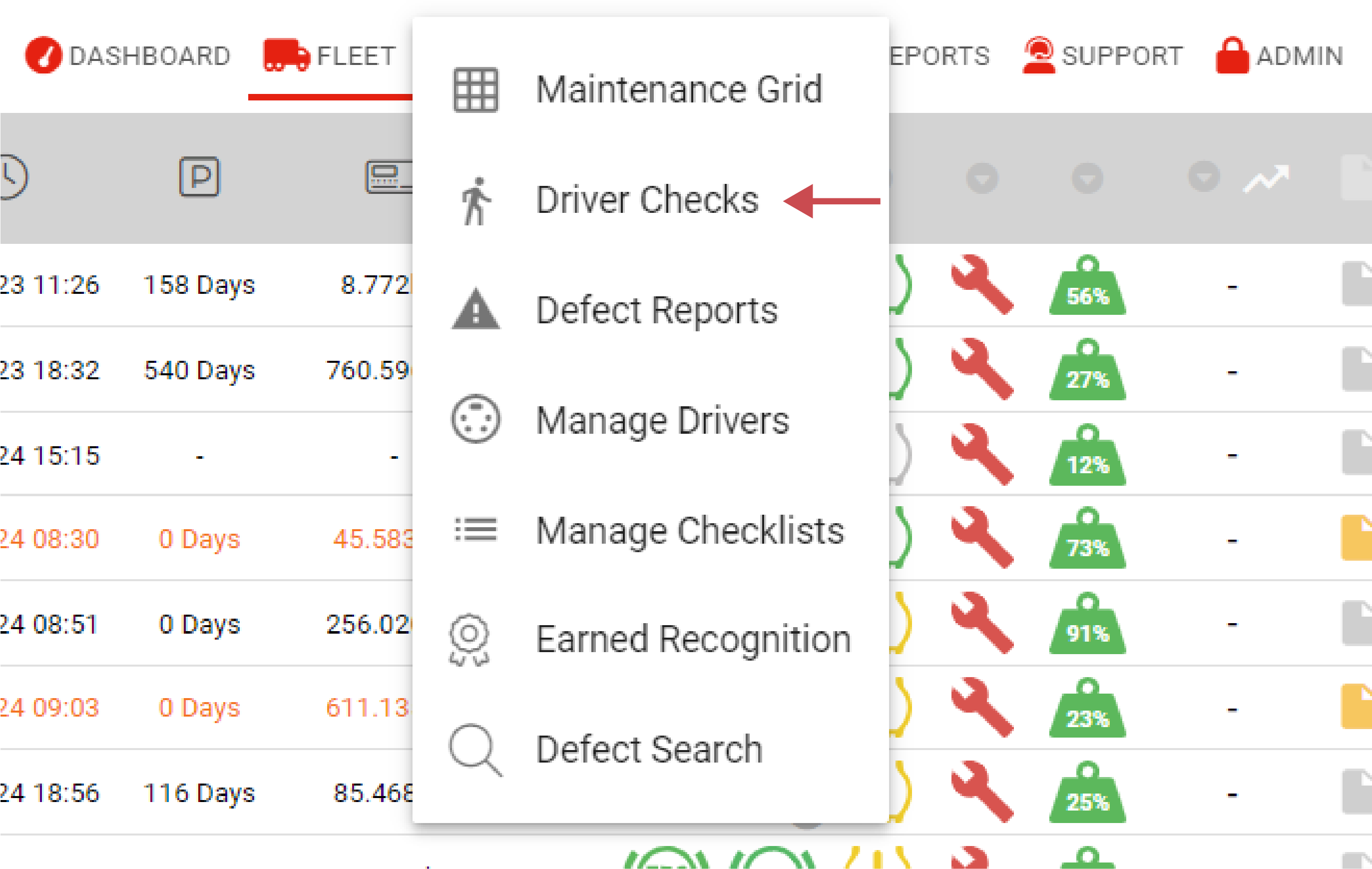
Click Maintenance in the navigation bar.
-
The Maintenance Menu will open.
-
-
Click on Driver Checks in the drop-down.
The Driver Checks page will open.
📚 Driver Checks Information
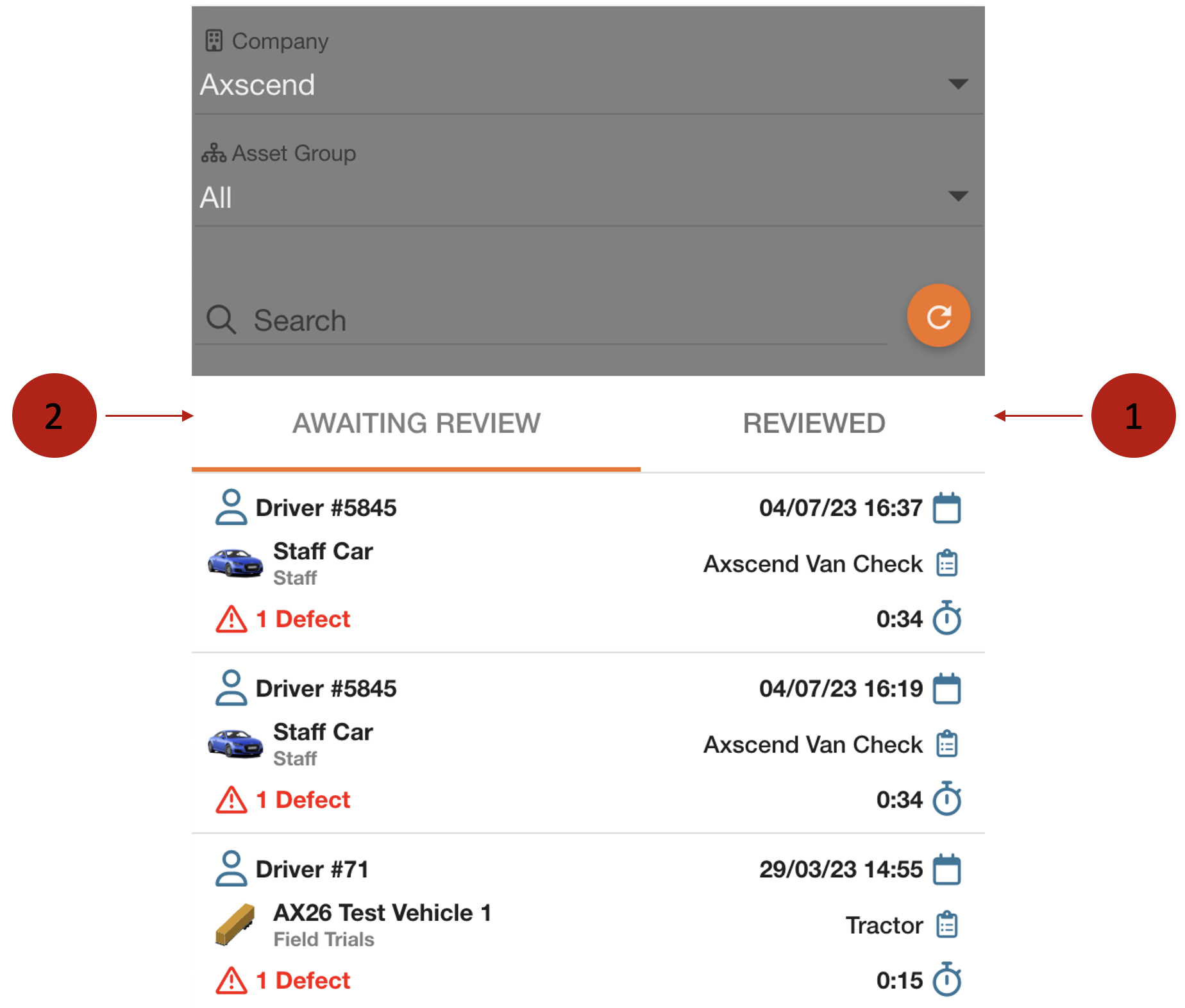
Use the tab bar to switch between the pages Awaiting Review and Reviewed.
|
No. |
Description |
|---|---|

|
The Reviewed tab lists all submitted reports that have already been approved or rejected. |

|
The Awaiting Review tab lists all submitted reports that have not yet been reviewed. Approving a driver check means that all reported defects are accepted and shown in the maintenance grid in the portal. |
Each item in the sidebar represents a driver check.

|
No. |
Description |
|---|---|
|
|
Reporting Time |
|
|
Questionnaire Used |

|
Time Taken |

|
Defects Reported |

|
Asset |

|
Reporting User |