.png)
If you suspect that your account has been compromised, please refer to the following guide:
You already have an account.
-
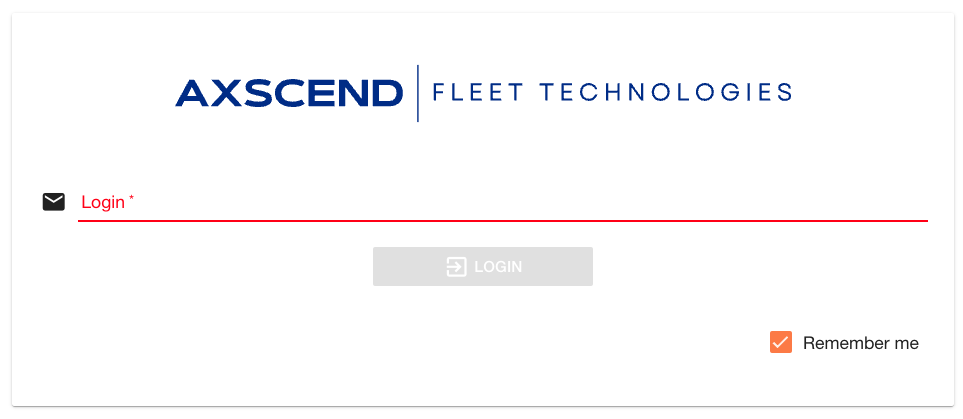
Enter your e-mail address.
-
Enter your password.
-
Click LOGIN.
You’re now logged in to the Axscend portal.
Organisation e-mail address and password
Use your organisation’s email address and either the password allocated to you or the password you have chosen to log in to the Axscend portal.
You will receive an email upon logging into your account, similar to the one below.
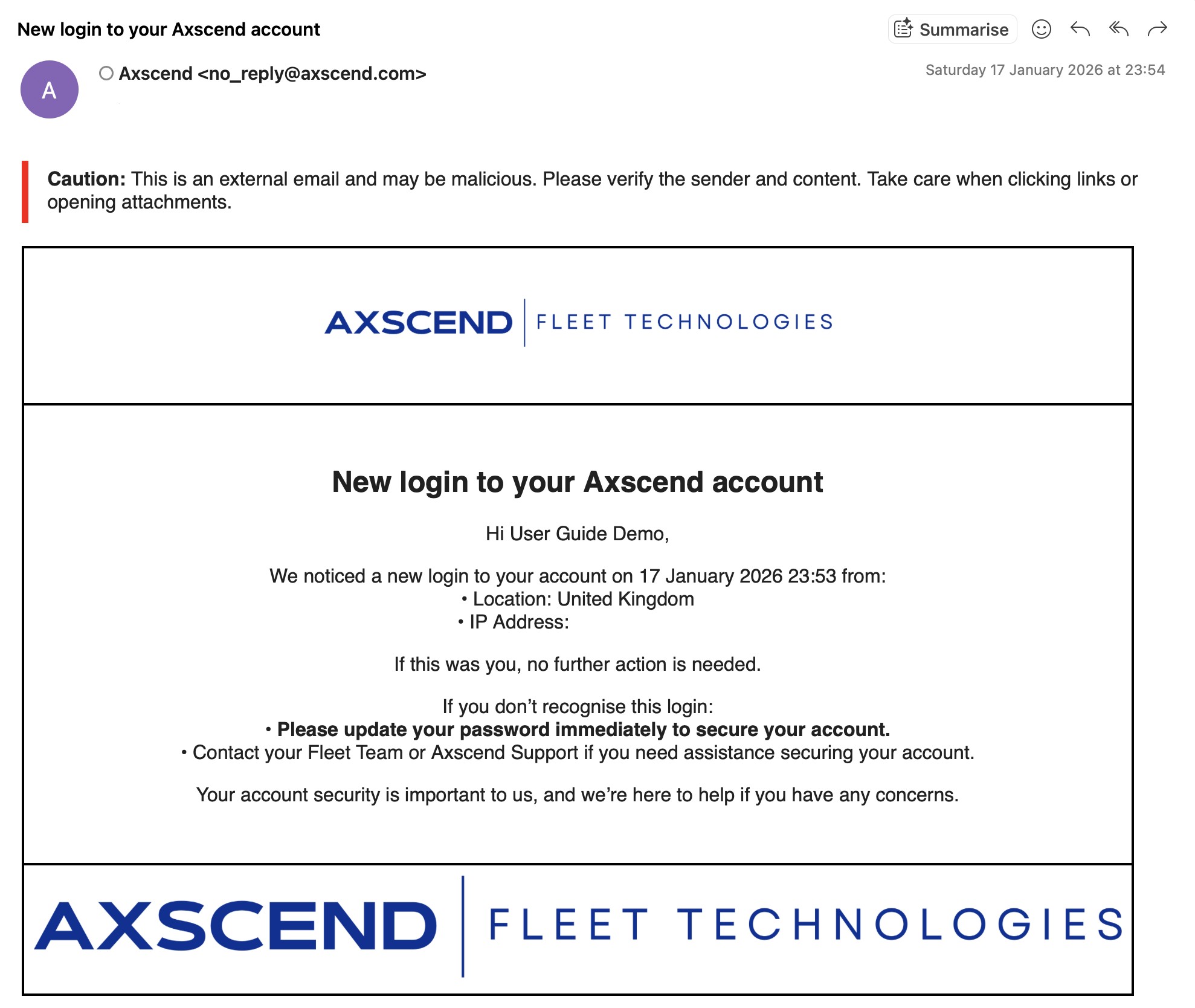
If you receive one of these emails and have not recently logged in, your account may be compromised, and you should see the following guide: