.png)
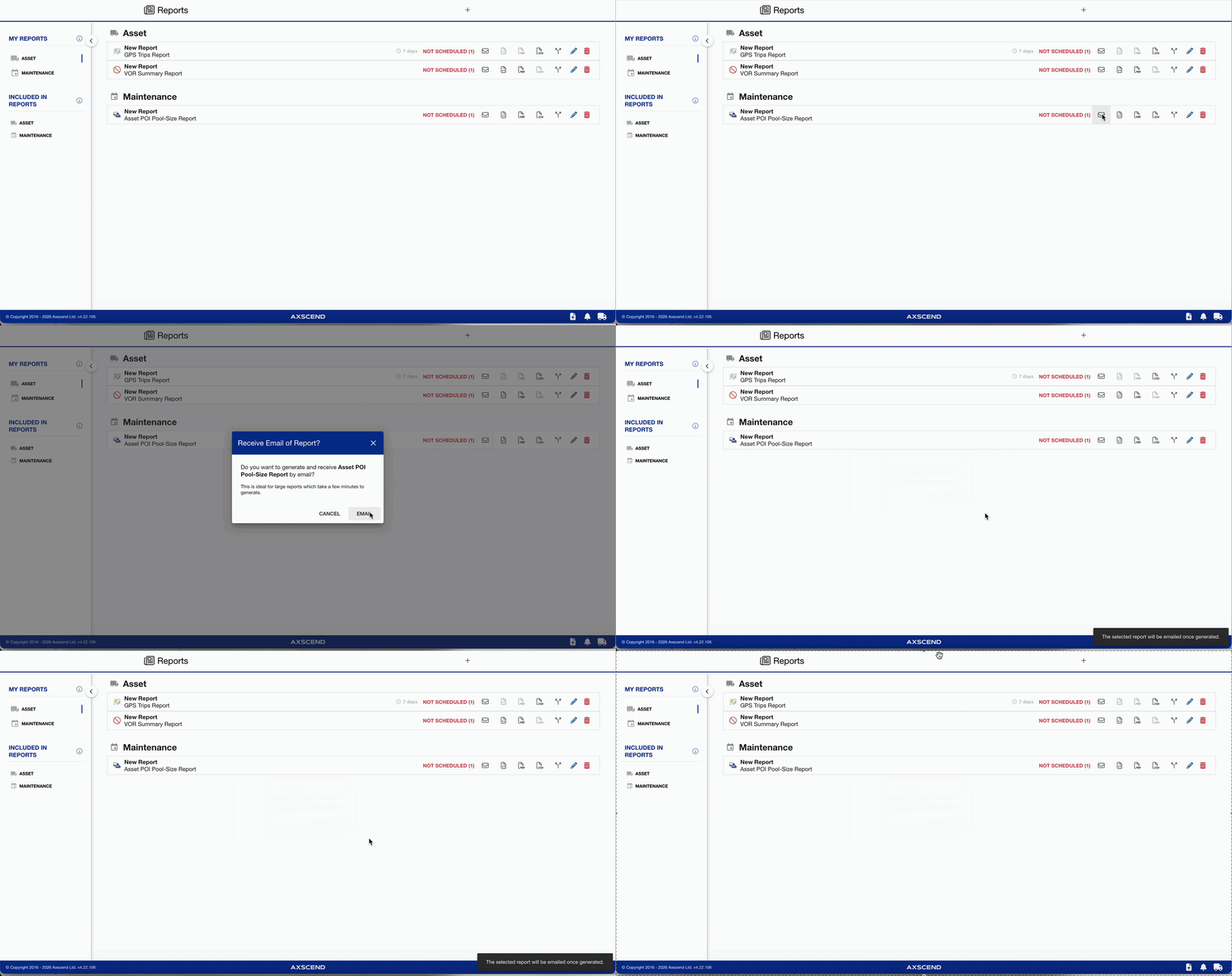
For large reports, we recommend emailing the report rather than downloading an instant copy. This gives the system more time to gather and process the data.
Go to the Reports page to see how to get here.
You’re on the Report page.
The report has already been created.
-
Find the report you want to be emailed in the list.
-
Click the Email icon.
-
The Email Report dialog will open
-
-
Click Email to confirm.
The report will be emailed to you in all available formats (excluding HTML).