.png)
The Fleet Overview page provides a high-level summary of the current utilisation of your rental assets. You can navigate between the sections by clicking the section headers in the sidebar.
Fleet Overview
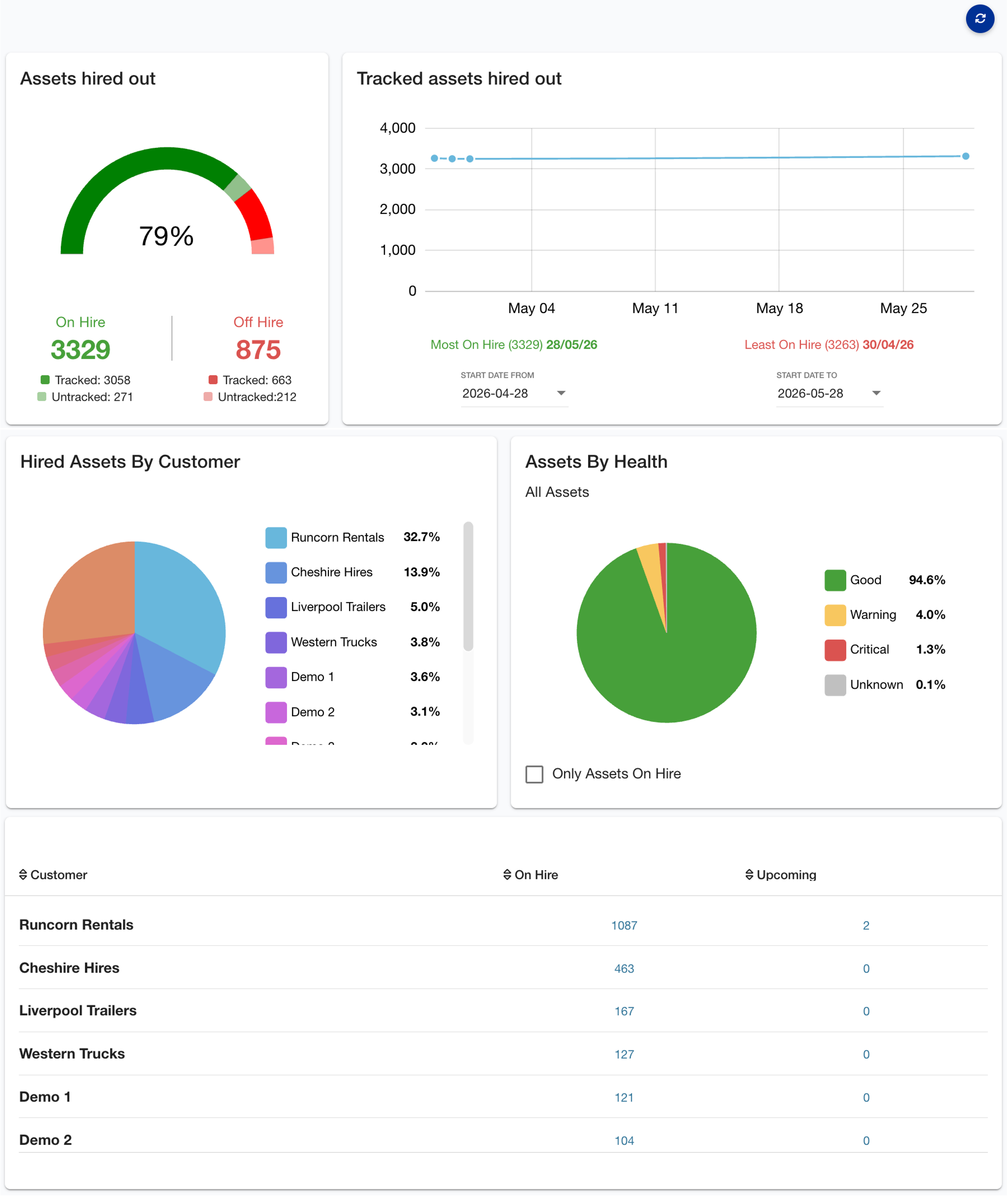
The Fleet Overview section highlights which assets are currently on hire, identifies upcoming hire activities, and shows a summary of your customer demand. This information helps you stay informed and make more effective operational decisions.
It features a statistical overview of assets currently hired out versus those off-hire, including:
-
A gauge chart showing the percentage of assets currently on hire, separated by tracked and untracked assets.
-
A timeline chart tracking the last month of hiring activity.
-
Pie breakdown of active hires by customer.
-
Pie breakdown of asset health.
-
Tabular breakdown of active hires and upcoming hires by customer.
Rental History
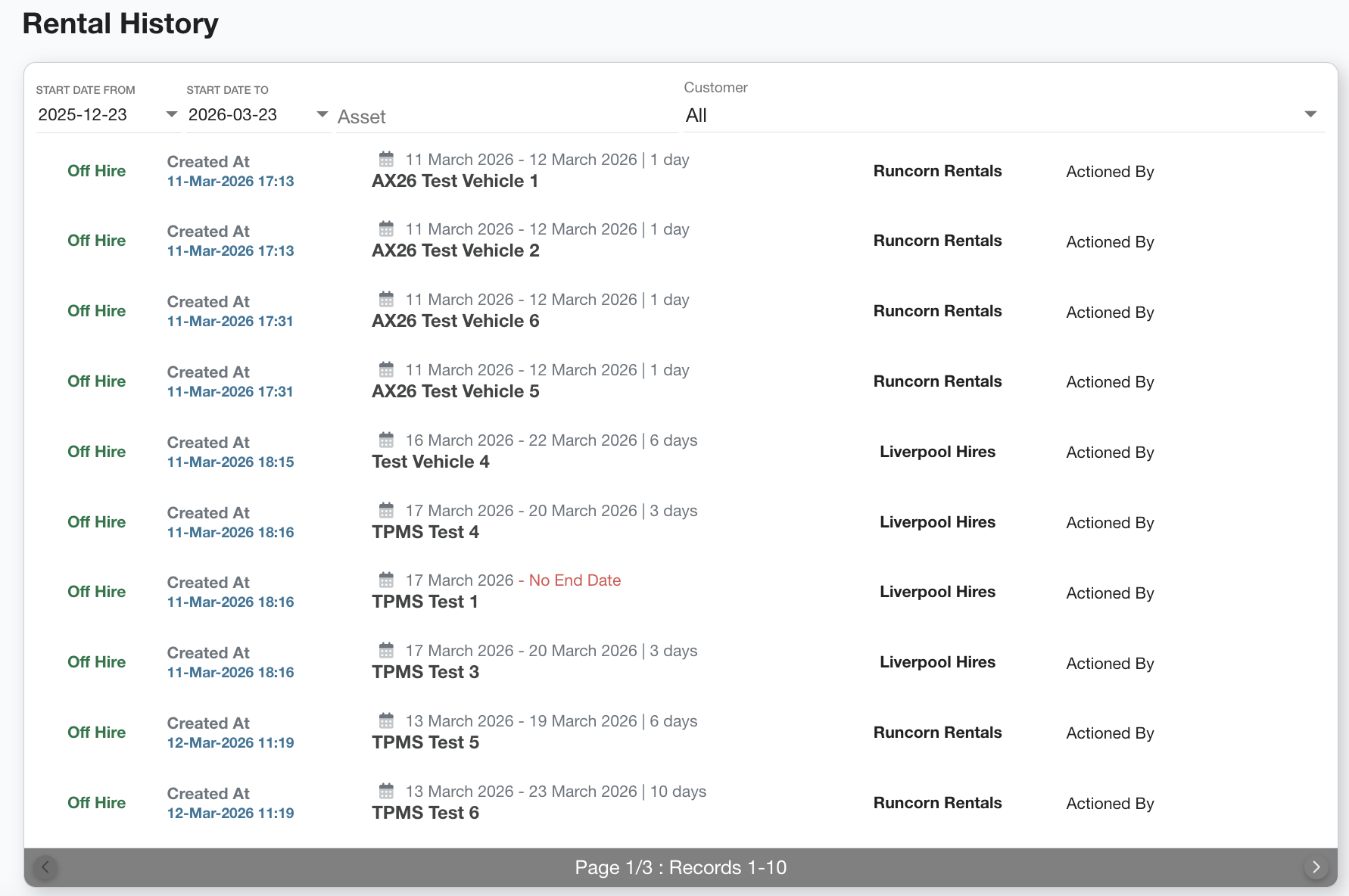
The Rental History table provides a complete record of all rental activity across your fleet. Each entry shows when an asset was hired out, which customer it was assigned to, and the duration of the rental.
This allows you to:
-
Track asset usage over time, see exactly when assets were on or off hire and for how long.
-
View which customers have used specific assets and identify usage patterns.
-
Audit and review when rentals were created and who actioned them.
-
Identify gaps or issues by quickly spotting missing end dates, unexpected durations, or unusual rental behaviour.
-
Support billing and reporting by using historical data to validate invoices, resolve disputes, or analyse utilisation.
Rental Reports
This section allows you to download reports on your rentals.
More reports will be added in the future.
If you have any suggestions or feedback for useful reports, don't hesitate to get in touch with support@axscend.com.
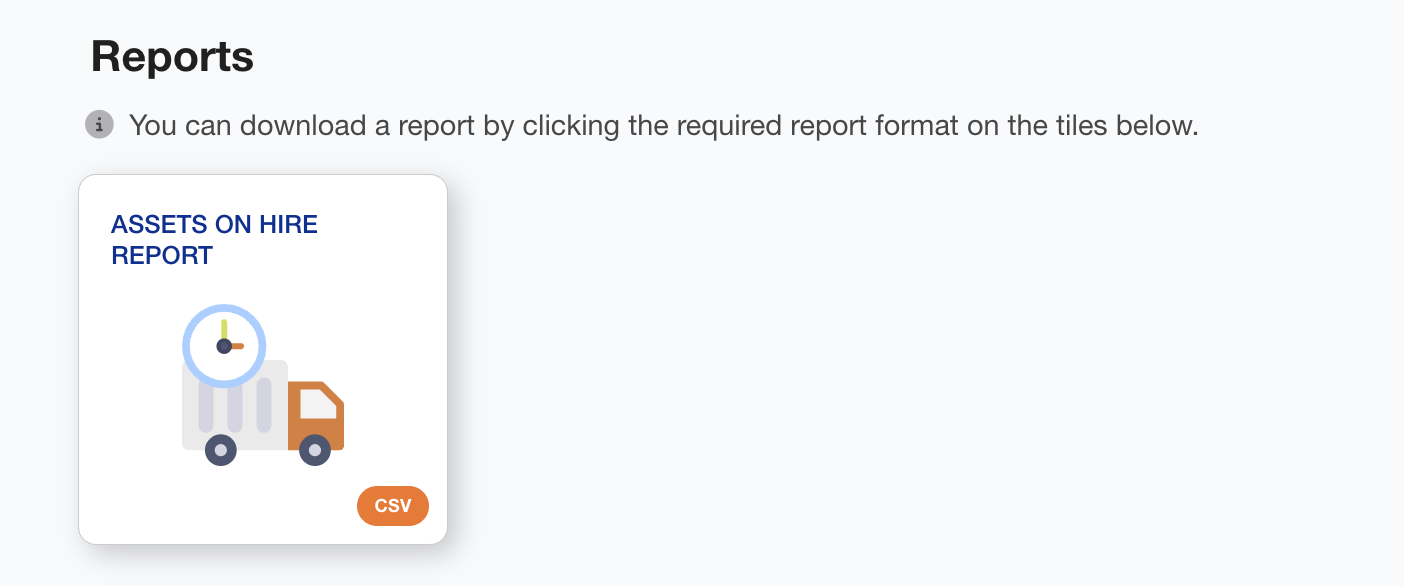
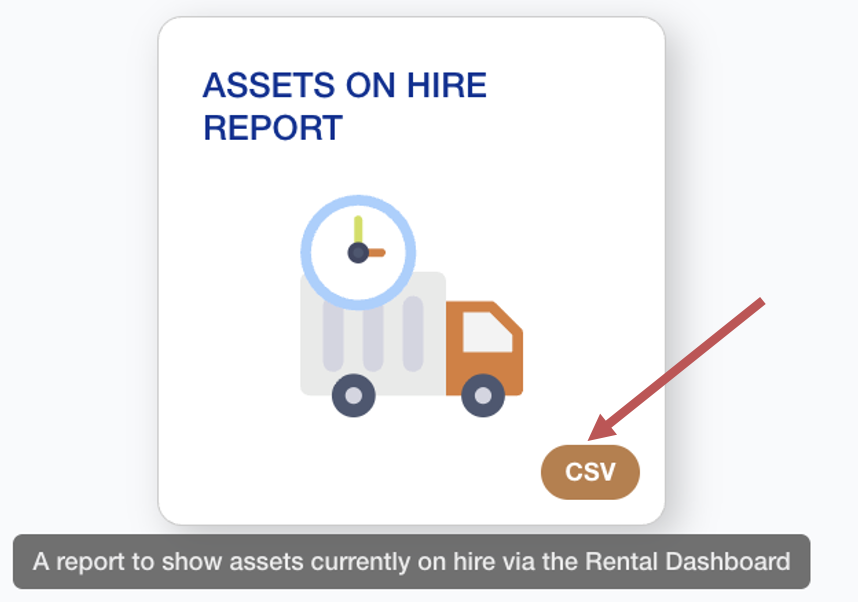
To download a report:
-
Click the relevant format button.
-
The download will automatically start.
You have downloaded your report.