.png)
The Rental Provider page serves as a central dashboard for managing rental operations, your customers and provides a clear snapshot of your current asset utilisation.
🧭 Getting to Rental Providers
-
Click Admin in the navbar.

-
Click Rental Providers in the drop-down.
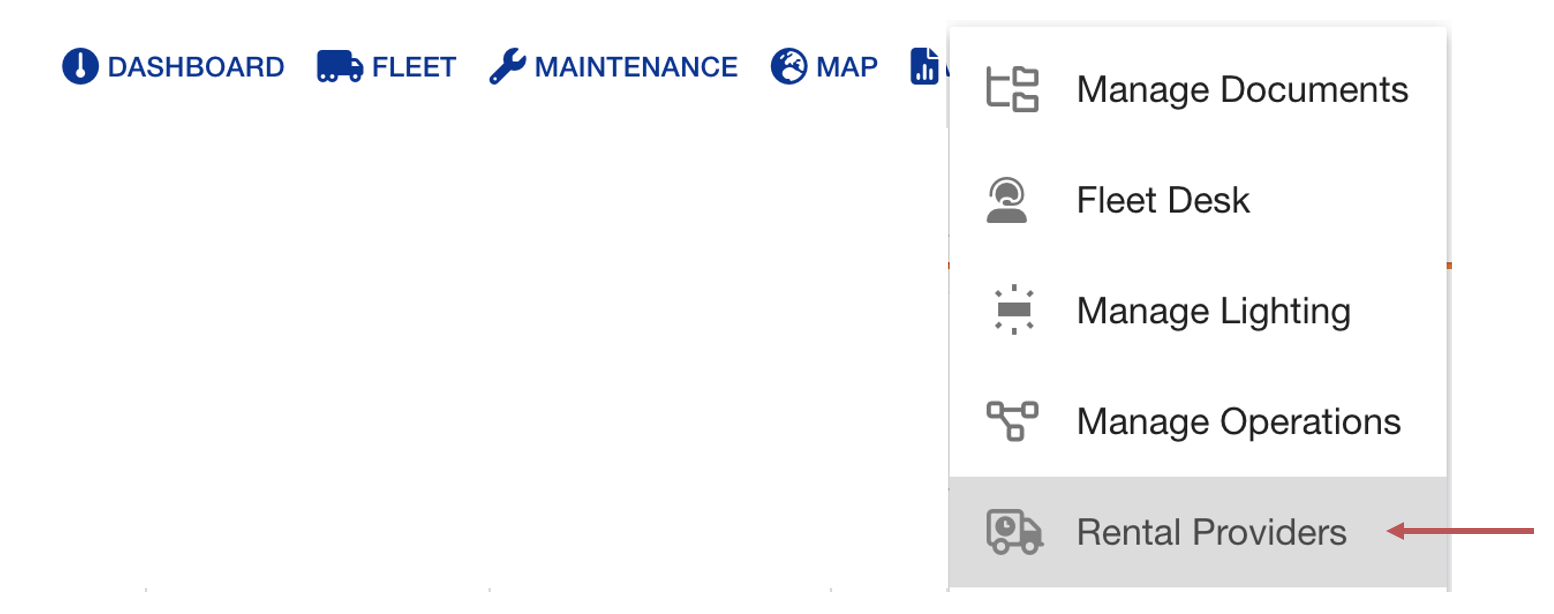
The Rental Providers page will open.
📚 Rental Provider
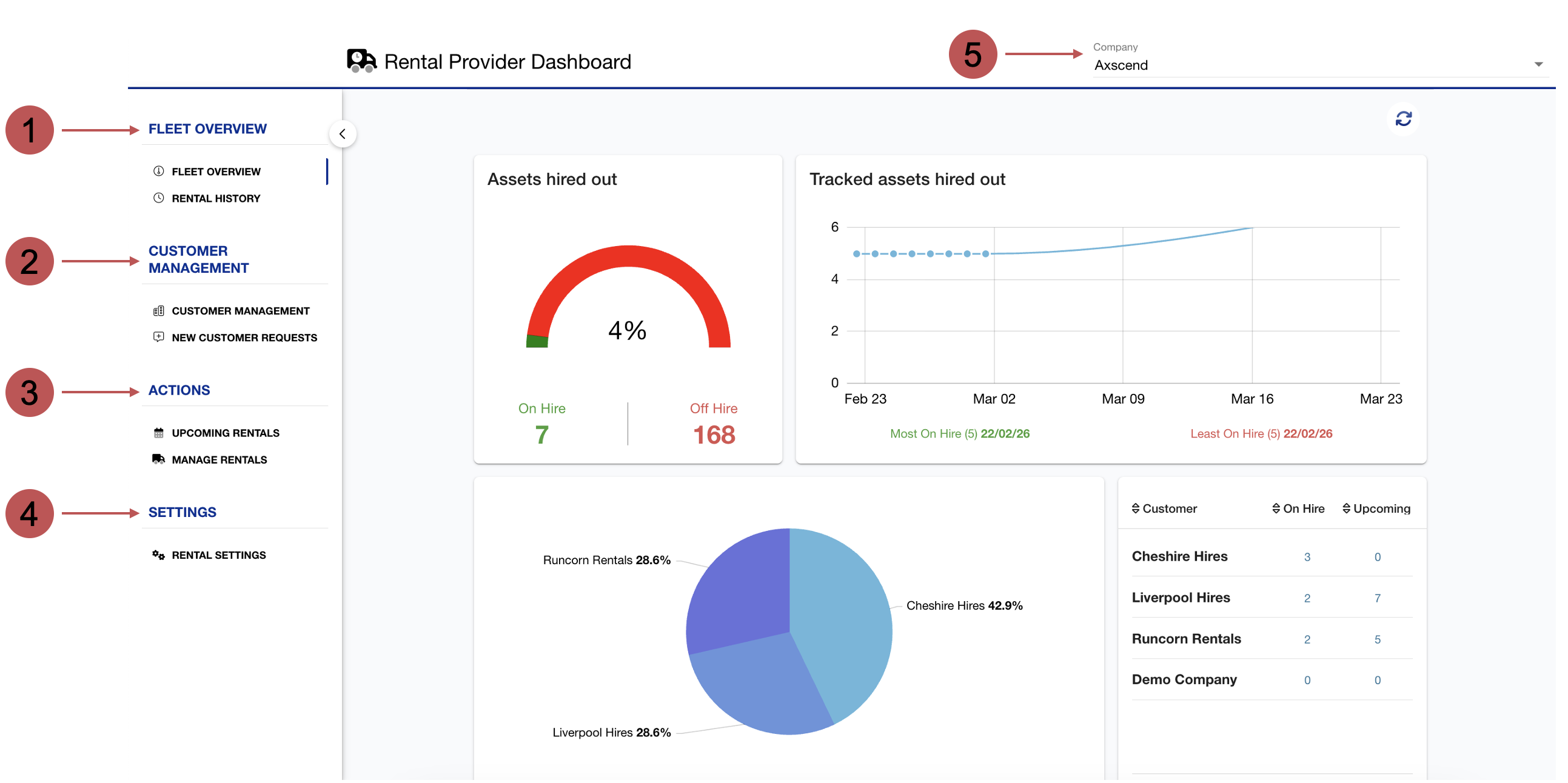
The Rental Provider Dashboard gives rental companies a comprehensive view of their fleet activity, customer management, and rental actions. The left-hand sidebar provides structured access to key sections of the platform:
|
No. |
Description |
|---|---|

|
Fleet Overview This is your rentals dashboard. |

|
Customer Management Here you can view your rental customers and request access to new customers. |

|
Actions This page lets you view your upcoming rentals or manage your rentals. Rental Management includes starting new rentals, ending rentals, or editing rentals. |

|
Settings Here you can change your rental provider settings. |

|
Company Picker If you have access to multiple companies, you can switch your company using this field. |
🛠️ Rental Provider Features
 Rental Provider Information
There are several keywords or phrases used during these how-to guides that may be unfamiliar.
Rental - A hire/rental record created for an asset. A rental will have a customer, start date and optionally a rental group, return group, and mileage agreement.
Rental provider - The company that is providing the rental service.
Customer - The company that is requesting the rental.
Asset - A vehicle on the Portal.
Group - Groups within a company to organise assets.
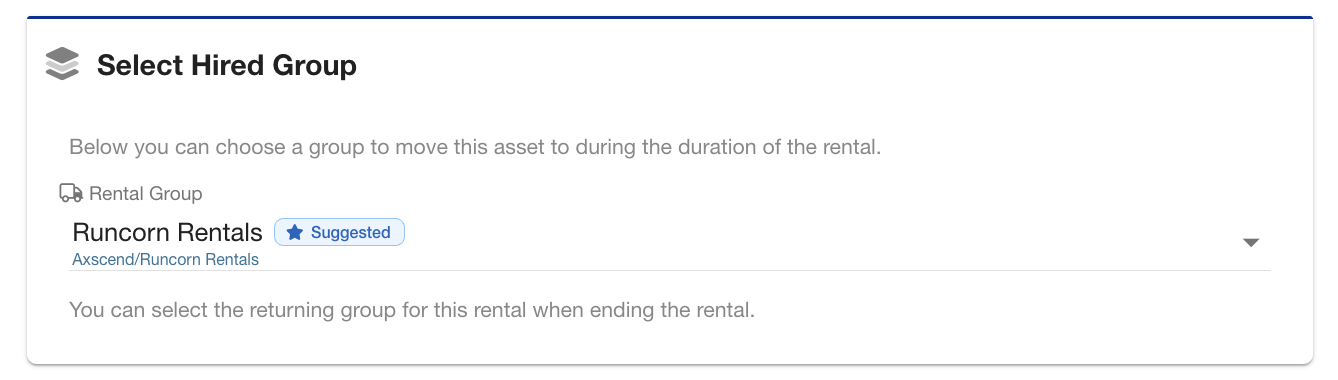
Rental/Hired Group - When a rental is created, a Rental/Hired Group can be selected. This is the Group the assets will move to when the rental starts. Customers can be set up to have a default group, and this option will be pre-filled for you when creating rentals.
If you have the relevant permissions, you can edit your Customer's Default Rental group on Rental Customers.
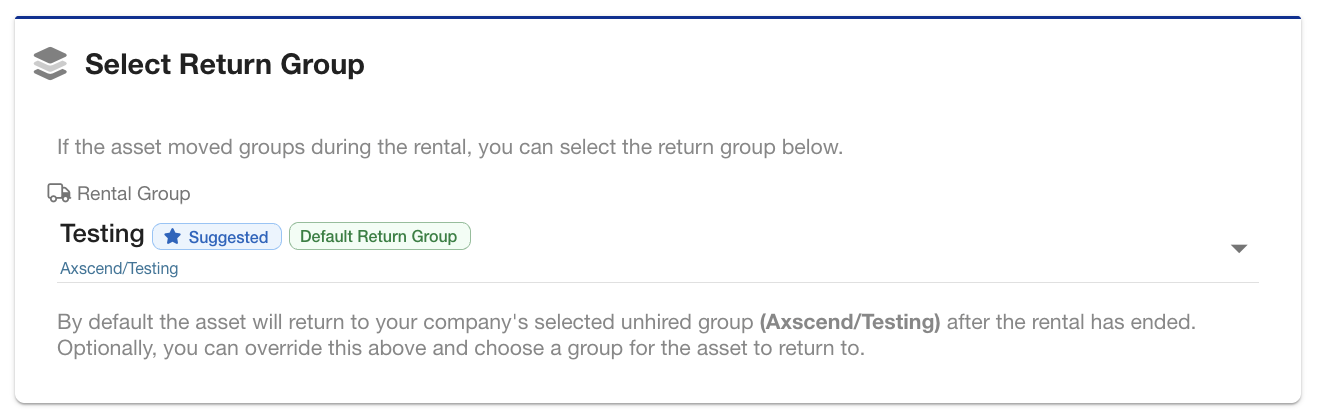
Return/Unhired Group - When a rental is ended, a Return/Unhired group can be selected. This is the Group the asset will return to when the rental ends. Your company can have a default unhired group configured, and this option will be pre-filled for you when ending rentals.
If you have the relevant permissions, you can edit your Company’s Default Unhired group on Rental Settings.