.png)
The Asset’s Overall Status provides a single summary of the asset’s condition based on several key system checks.
What makes up the overall status?
The overall status combines the statuses of the following components:
-
TPMS (Tyre Pressure Monitoring System)
-
EBS (Electronic Braking System)
-
EBPMS (Electronic Brake Performance Monitoring System)
-
Load System
-
VOR (Vehicle Off Road) status
-
Maintenance status
The most severe status among these determines the overall asset status. For example, if any component reports a Critical issue, the overall status will be Critical even if other systems are Good or Warning.
Statuses follow a consistent colour scheme throughout:
Red - Critical
Amber - Warning
Green - Good
How can I find out the overall status of my asset?
Fleet/Maintenance Grid
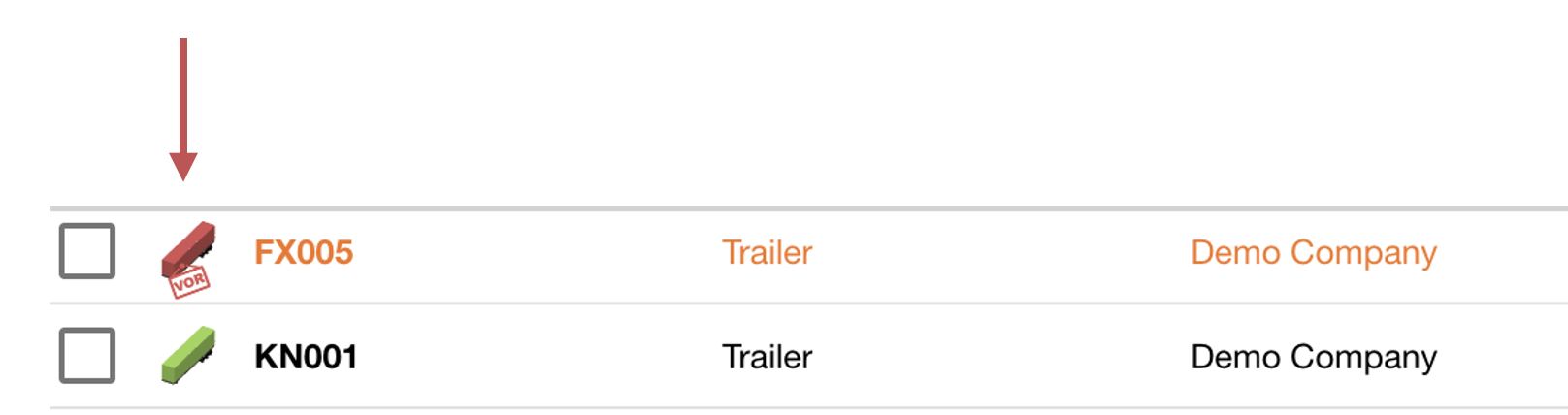
For trailers, the overall status changes the trailer icon's colour. This lets you see asset status in the Fleet Grid or Maintenance Grid.
Asset View
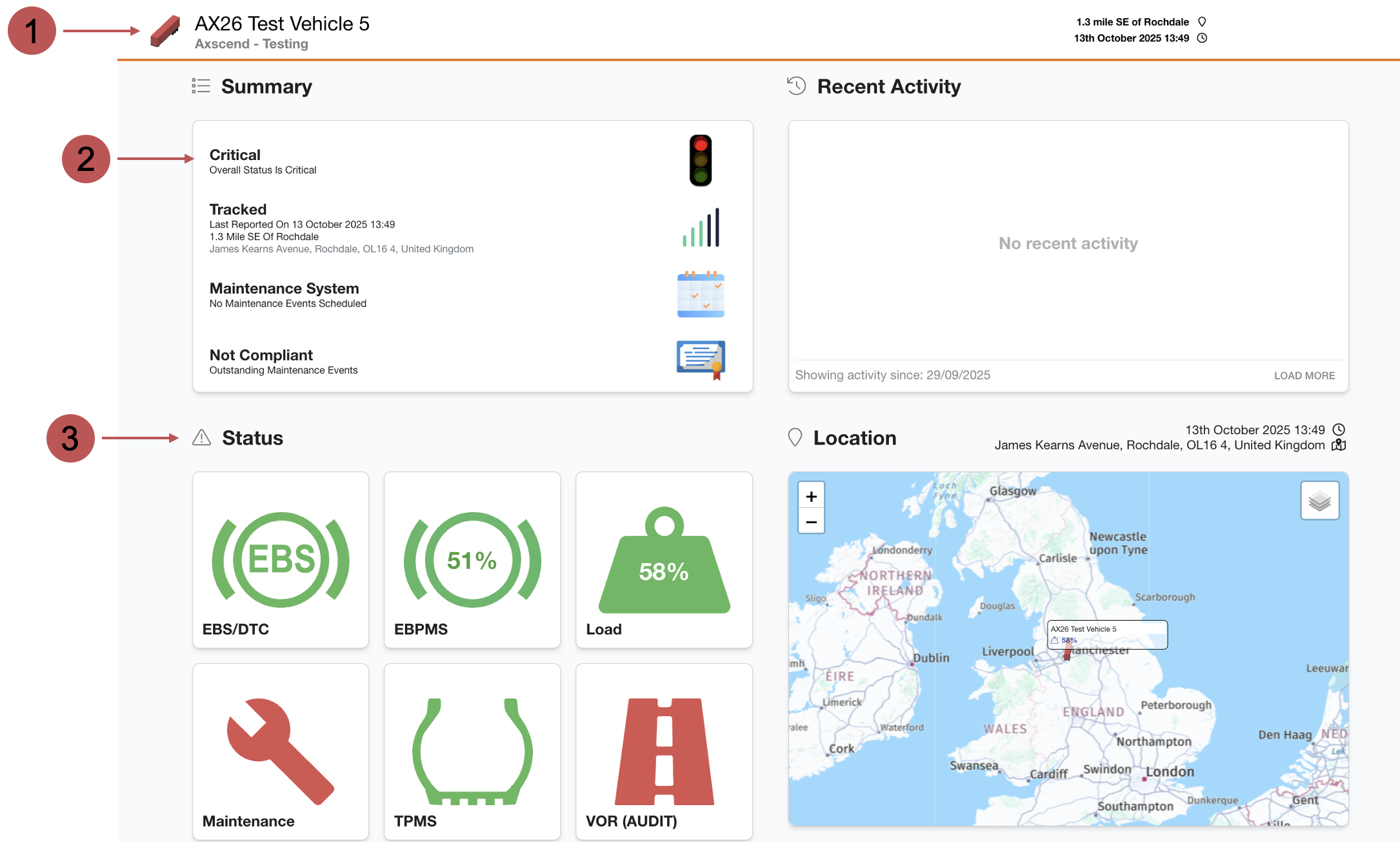
Alternatively, click the asset row to view a full summary of the asset's overall status on its Asset View.
|
No. |
Description |
|---|---|

|
Asset Icon For Trailers, the overall status will change the colour of the trailer icon. |

|
Summary Section - Overall Status The first line of the summary table will show the overall asset status. |

|
Status Section Shows a breakdown of each component which will affect the assets overall status. You may see more or less widget cards in this section depending on what features your company has enabled, and which features have been turned on for the asset. Clicking on a widget will take you to the relevant page. |
How can I find out why a status (e.g. EBS) is warning/critical?
To see why a component is showing a warning or critical status you should visit their corresponding section on the Asset View.
You can also click on the Component’s Status Widget in the Status Section, which will re-direct you to the relevant page.
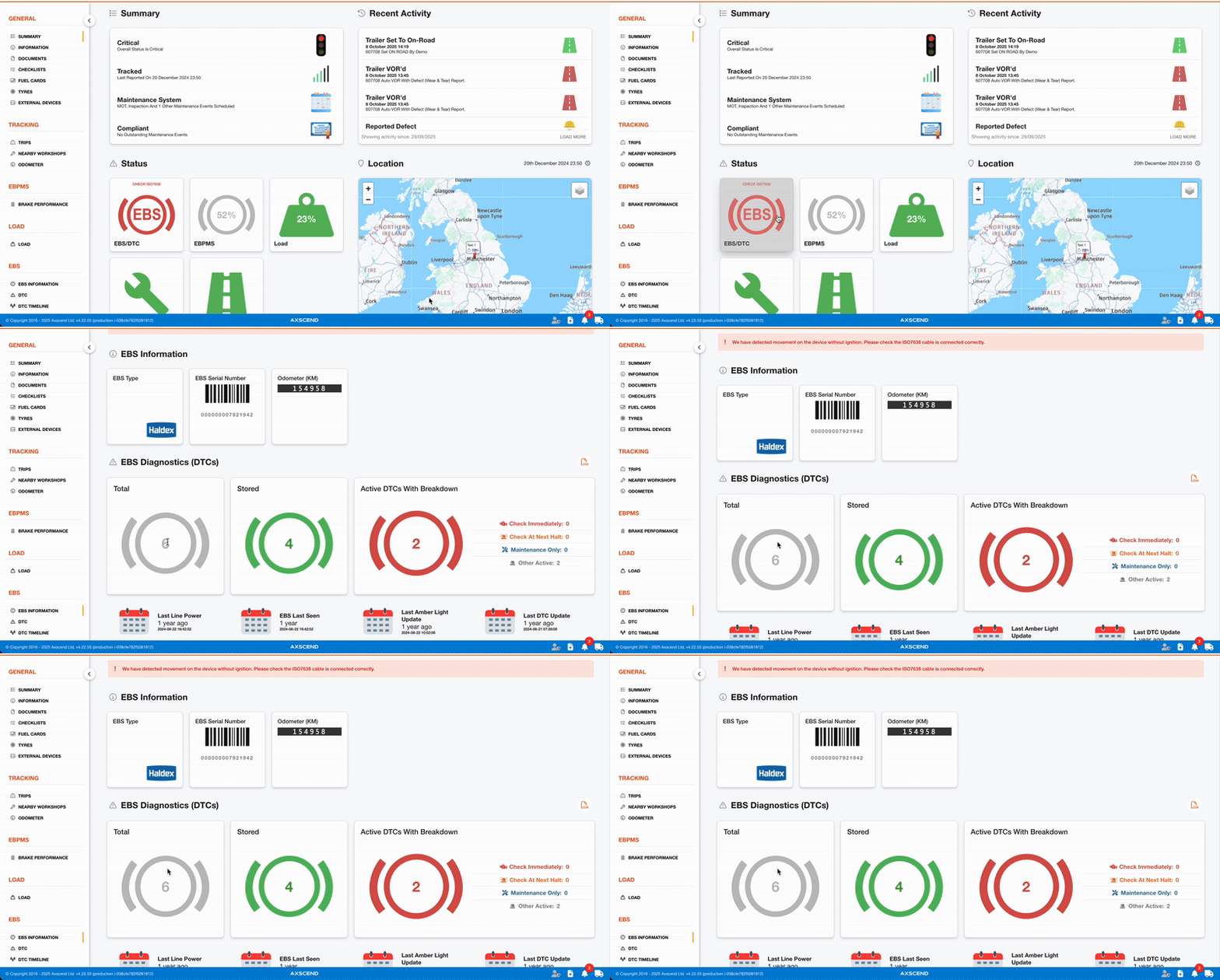
Here is a breakdown of the potential reasons which may cause each components status.
Maintenance
|
||
|
Good |
Warning |
Critical |
|
No maintenance event due soon, due now or late. |
At least one maintenance event is due now, or due soon. |
At least one maintenance event is overdue. |
TPMS
|
||
|
Good |
Warning |
Critical |
|
No TPMS issues. |
This asset has at least one TPMS sensor within a warning pressure band, or a missing sensor. |
This asset has at least one TPMS sensor within a critical pressure band. |
Load - more information on the Load section.
|
||
|
Good |
Warning |
Critical |
|
Asset is not overloaded. |
This asset has last reported within its warning overload band |
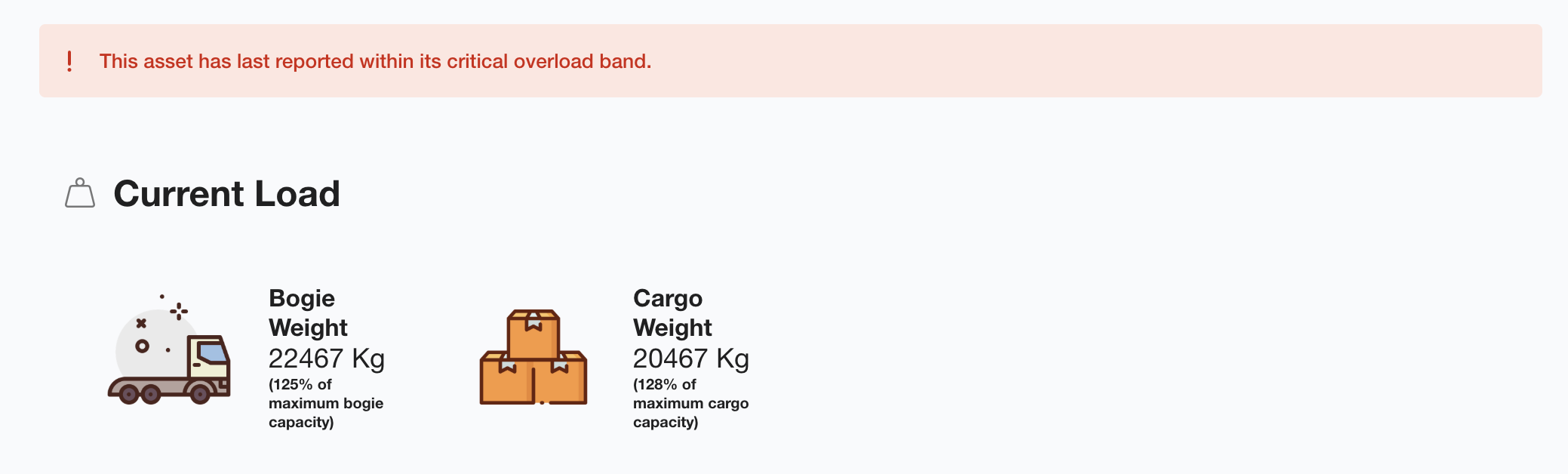
This asset has last reported within its critical overload band. |
EBPMS - more information on the EBPMS section.
|
||
|
Good |
Warning |
Critical |
|
No EBPMS issues. |
This asset either lacks sufficient recent qualifying data points to generate a score, or is nearing the legal limit for acceptable brakes. |
The latest EBPMS score for this asset fell below the passing criteria, or multiple recent brake events from this asset were below the pass threshold. This vehicle requires further investigation. |
EBS - more information on the EBS section.
|
||
|
Good |
Warning |
Critical |
|
This asset has no EBS/DTC issues! |
We have never received data from the ISO7638, or we have not received DTC or amber light information from this asset for a significant period. The amber light may have been detected on this asset, or the asset may have at least one DTC classified as check at next halt or check at maintenance. |
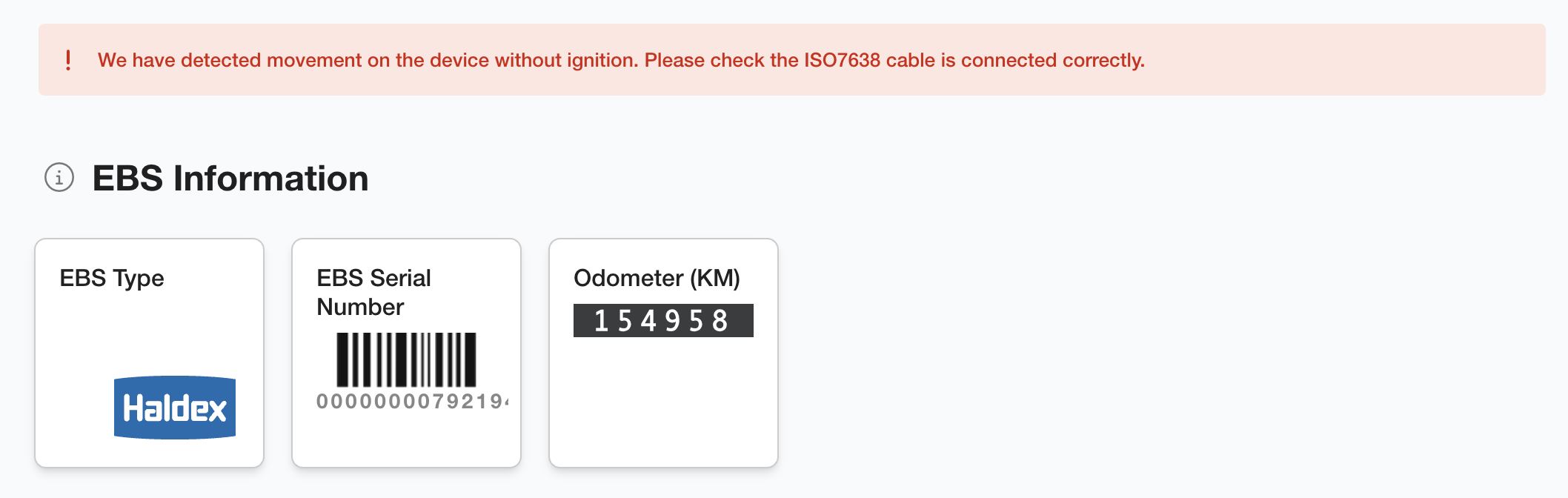
We have detected movement on the device without ignition (please check the ISO7638 cable), or the asset has at least one DTC that is classified as check immediately. |
VOR
|
||
|
Good |
Critical |
|
|
Asset is On-Road |
Asset has been marked as VOR for one or more reasons. |
|
For components that have complex and calculated statuses (such as Load, EBS or EBPMS) a banner is displayed at the top. This banner shows the current status of the component along with the main causes that contribute to this status.