.png)
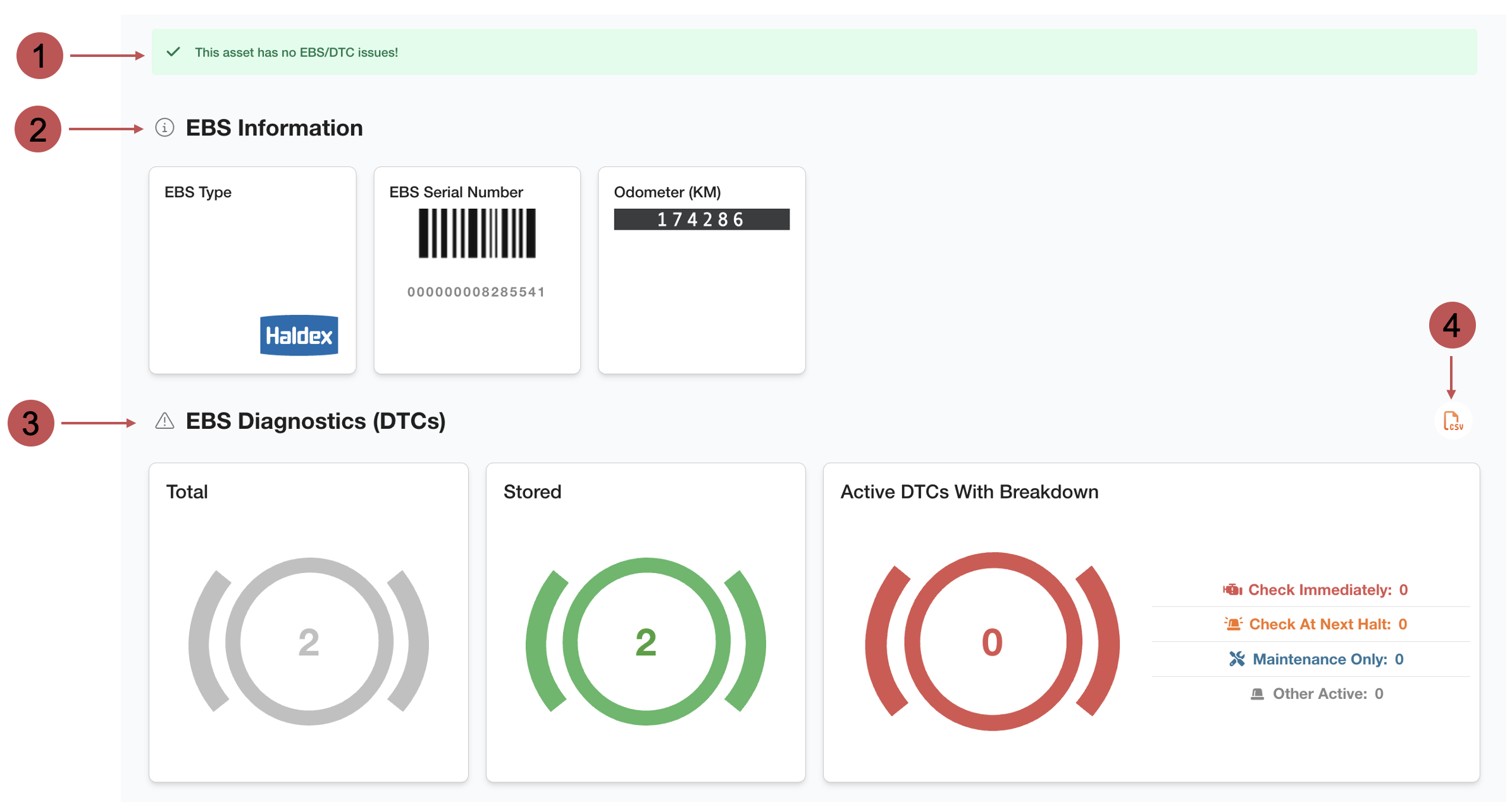
On the EBS page, you can monitor the EBS of the asset and find important information about the EBS such as the manufacturer and the serial number. You can also download a CSV file of the EBS DTCs.
🧭 Getting to EBS
You're on the Asset View page.
-
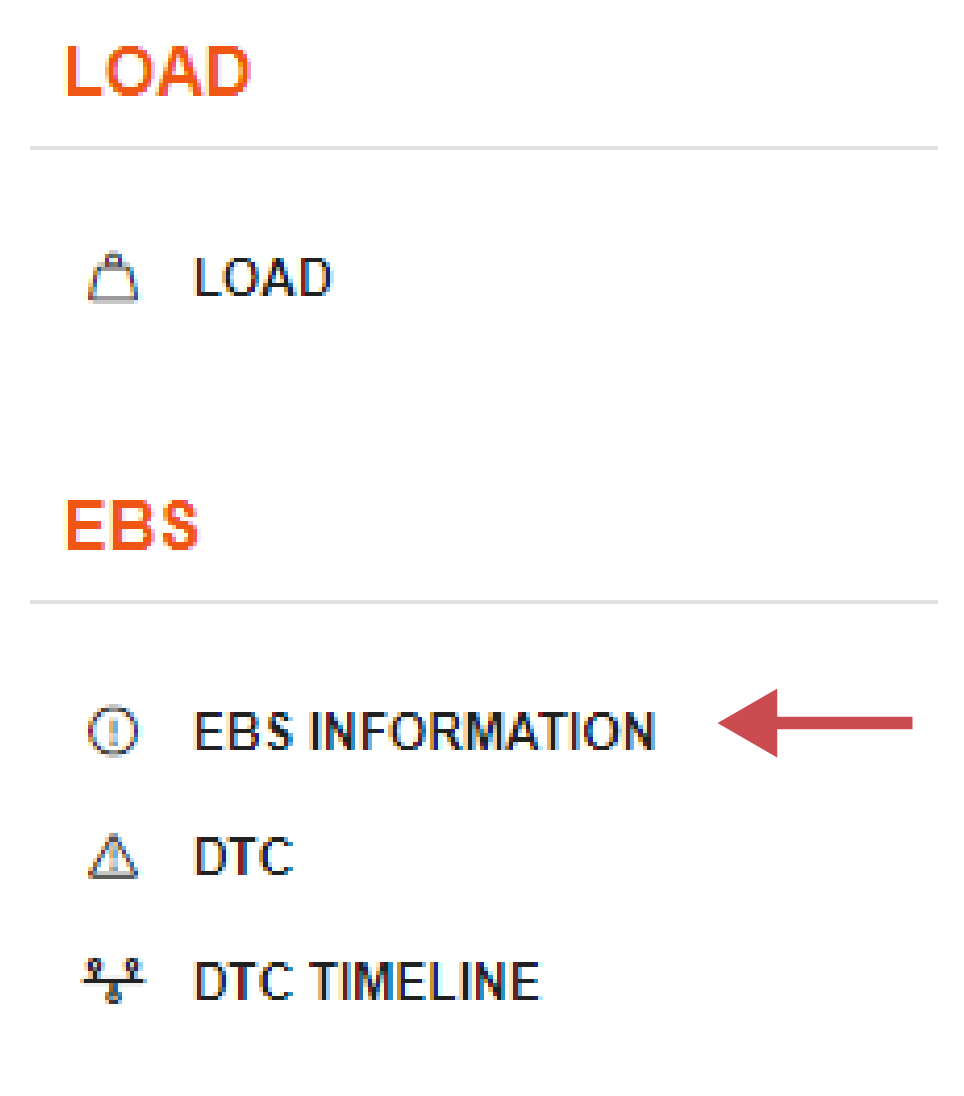
Click EBS Information in the left side bar.
The EBS page will open.
📚 EBS Information
|
No. |
Description |
|---|---|

|
EBS Status Summary of the current status of the EBS. A green message indicates there are no DCT or EBS issues. Indicates there may be a potential issue with the EBS, or a none urgent DTC. We have detected an issue with the connection to the EBS, or a urgent DTC. |

|
EBS Information The most important information about the EBS are displayed in various widgets to help find the information easily. |

|
EBS Diagnostics The different DTCs are divided in widgets to easily differentiate them. You can see at first glance how many DTCs of a specific type there are and if they require immediate action. |

|
Download CSV You can download a CSV report of the DTCs from the last couple of days. |